
Initially login to your DirectAdmin panel and create a database. For this step, make sure you are in user level. Creating Databases is under MySQL Management.
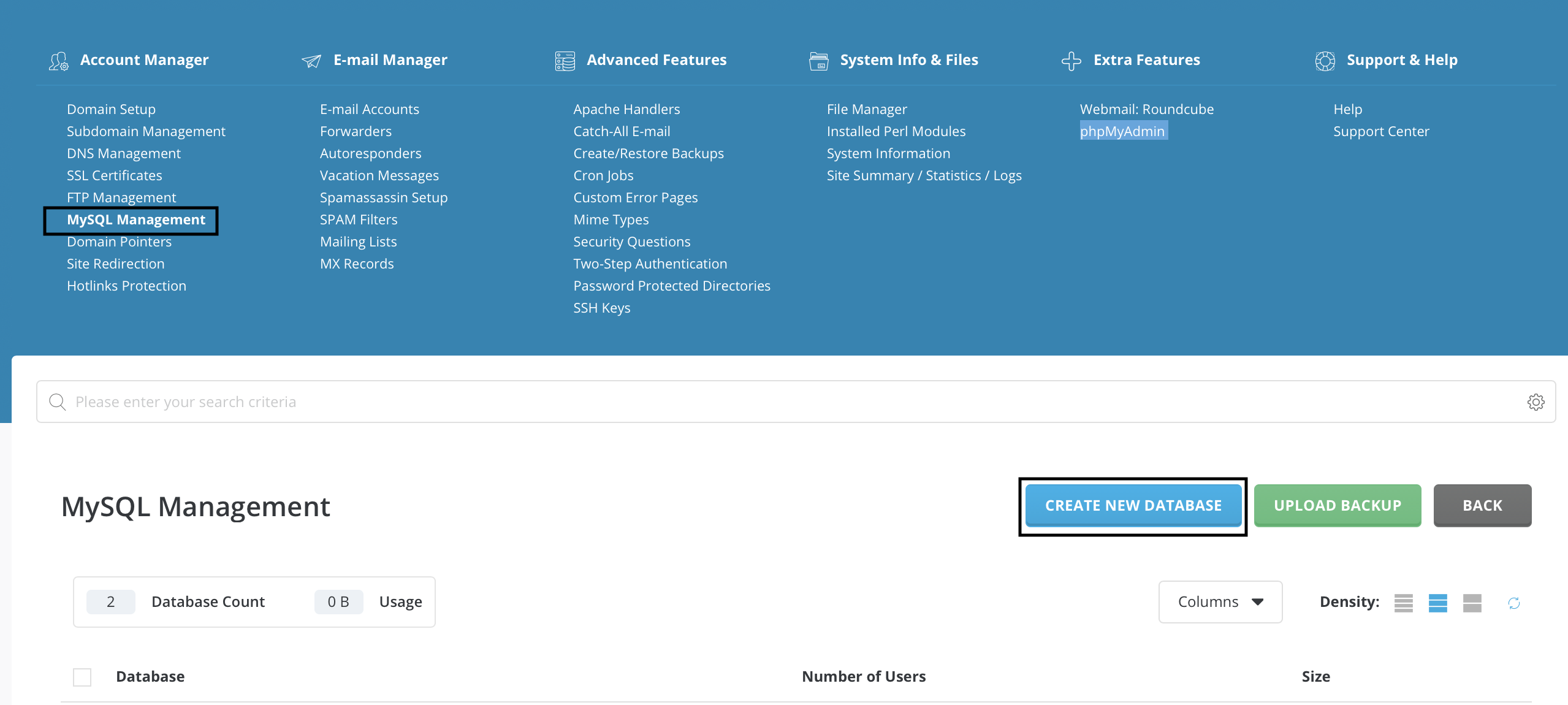
Then go to the phpMyAdmin under Extra Features. It will ask you your database informations that you just created. After that you will see a page for your database. Click Export for the first step.
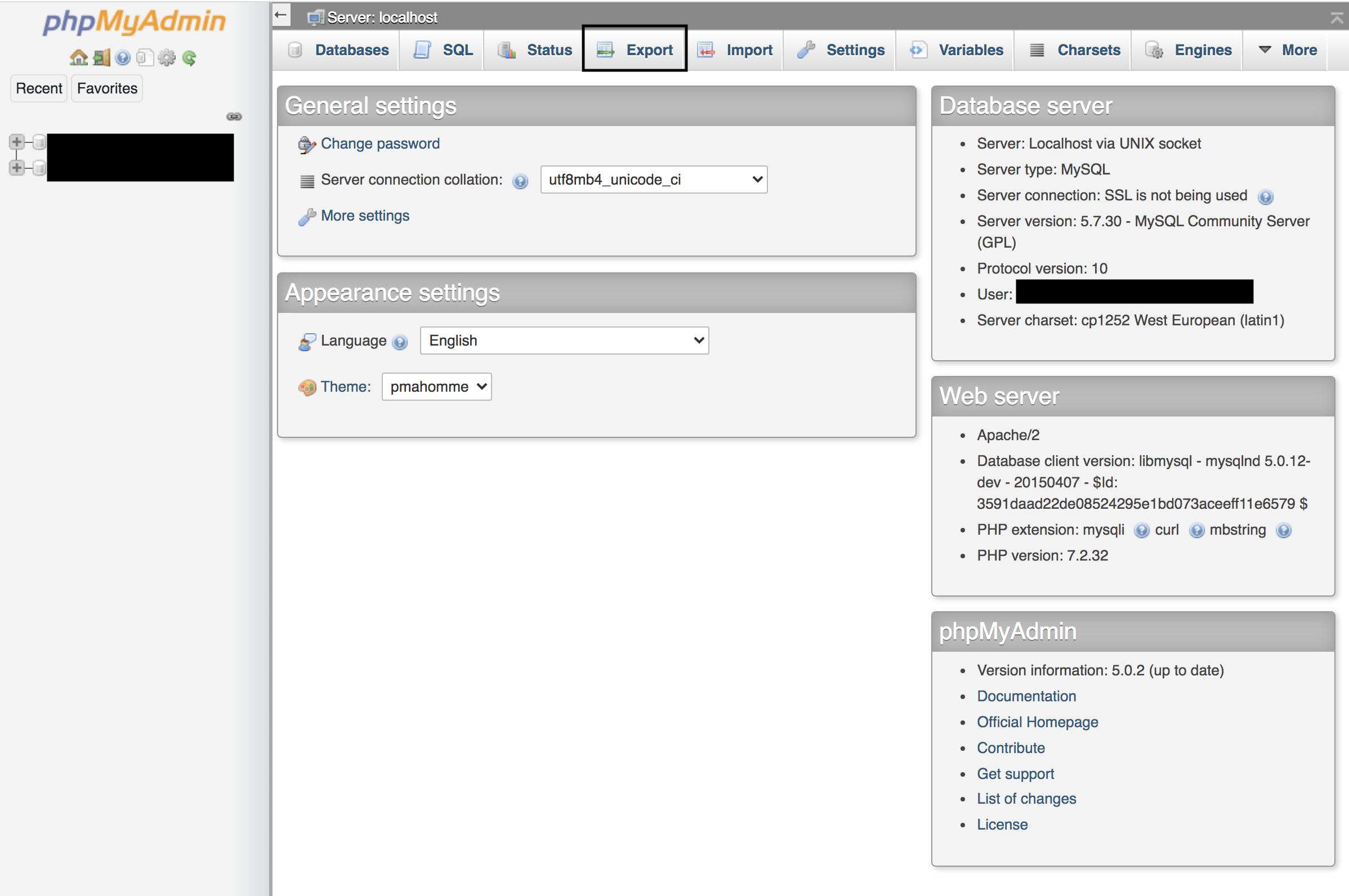
Now your exporting transaction is done. For importing you should create a second database if you do not have. Then just like the exporting process go to the phpMyAdmin with your login informations and click import. Choose the file that you want to import. It will be localhost.sql most probably.
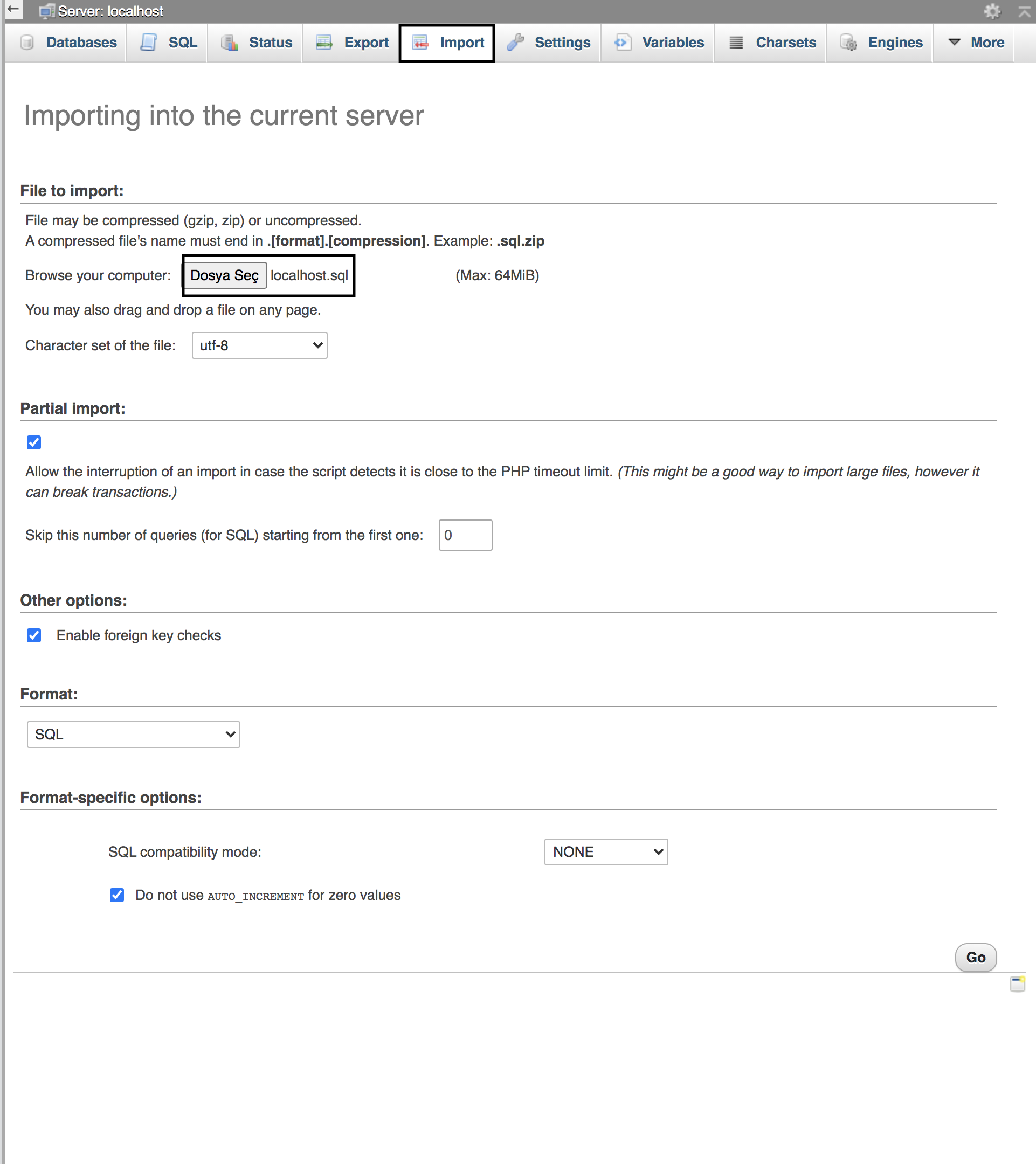
Now your importing transaction is also done which means you succesfully did everything.